

Support & FAQs
Please use our Support & FAQ page to find more information and reach out to us and join our Discord community for general conversation topics and networking.
Important: Virtual Labs
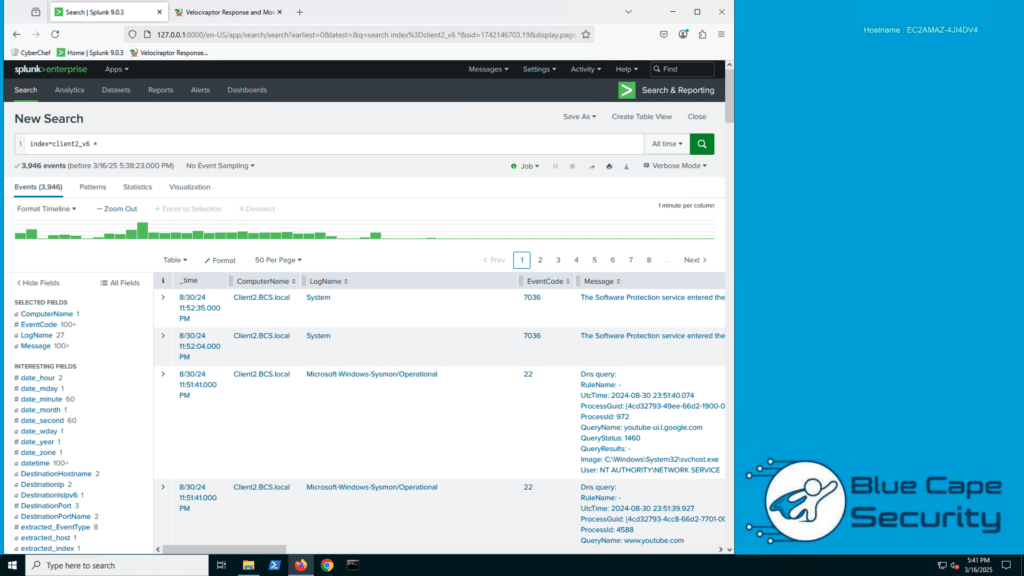
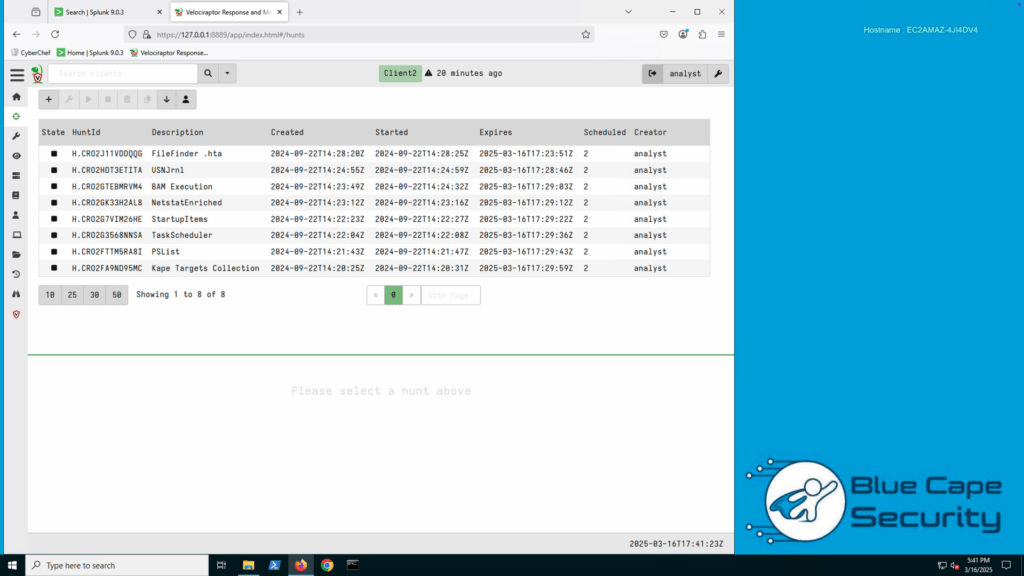
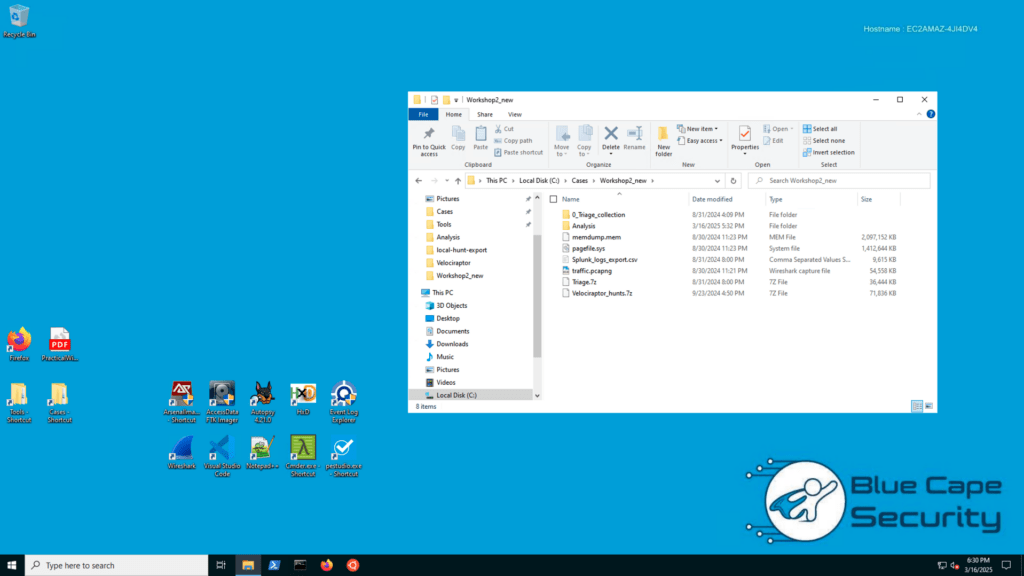
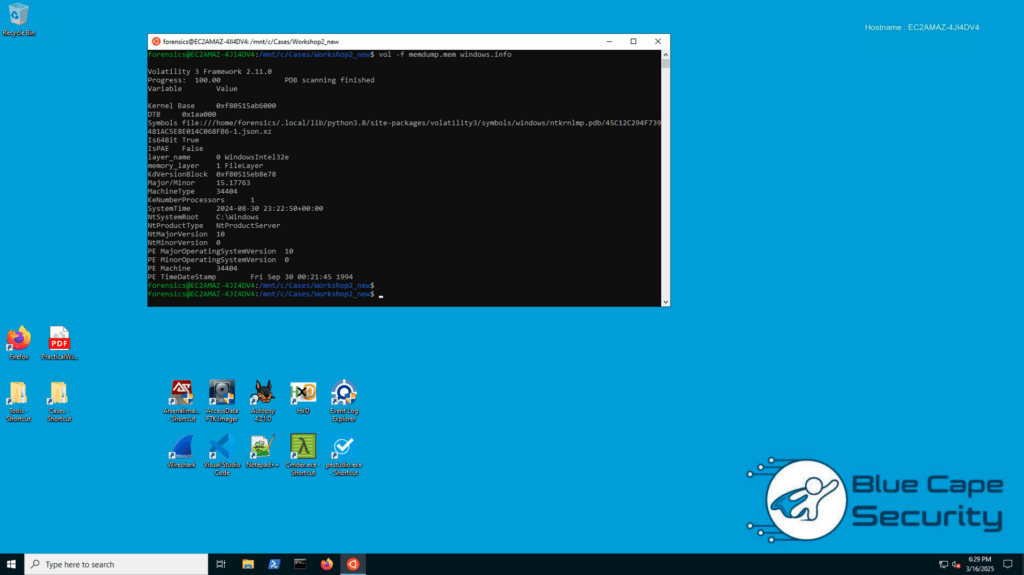
- Your lab VM is a Windows virtual machine in the cloud. This means it may take a few minutes until they are started up and available.
- Whenever you have less than 15 minutes remaining, you will have the option to extend your lab by 1 hour.
- You can only run one lab VM at a time.
- Terminating a VM will destroy the VM and data will be lost.
- For the best experience, it’s recommended to use Google Chrome where you will have copy and paste functionality.
Average Review Score:
★★★★★
You must log in and have started this course to submit a review.